Custom Dividers [louis]Custom Dividers is a streamlined utility designed for Multi-Timeframe Analysis (MTF). It allows you to visualize higher timeframe structures directly on lower timeframe charts by drawing infinite vertical lines at the open of new periods.
Unlike standard grid lines and other divider indicators, this has custom inputs, giving you complete control over non-standard timeframes (e.g., 90-minute cycles, 6-hour blocks, or 2-day periods).
🔑 Key Features
- 4 Independent Timeframe Slots: Configure up to four different vertical dividers simultaneously.
- Custom Minute Inputs (TF 1 & TF 2): Instead of restricting you to a dropdown, the first two slots allow you to input any integer for minutes.
Example: Set 90 for 90-minute cycle dividers.
Example: Set 360 for 6-hour dividers.
- Standard Timeframe Selectors (TF 3 & TF 4): Traditional dropdowns for standard periods like Daily (D), Weekly (W), or Monthly (M).
- Visual Customization:
Lines: Uses line.new() drawing logic to ensure dividers stretch infinitely from top to bottom, regardless of price scale.
Styles: Select from Solid, Dashed, or Dotted directly in the inputs.
Width & Color: Fully customizable to blend into your chart theme.
⚙️ How to Configure
Go to the Settings (Inputs Tab):
TF 1 & TF 2: Enter the specific number of minutes (e.g., 60 = 1 Hour, 240 = 4 Hours). Toggle the checkbox to Show/Hide.
TF 3 & TF 4: Select the timeframe period from the dropdown. Toggle the checkbox to Show/Hide.
Style: Choose your line style, color, and width.
Note: Since this indicator uses geometric drawings (line.new) to achieve full-height vertical lines, all visual settings (Color, Width, Style) are located in the Inputs Tab, not the Style tab.
Divider

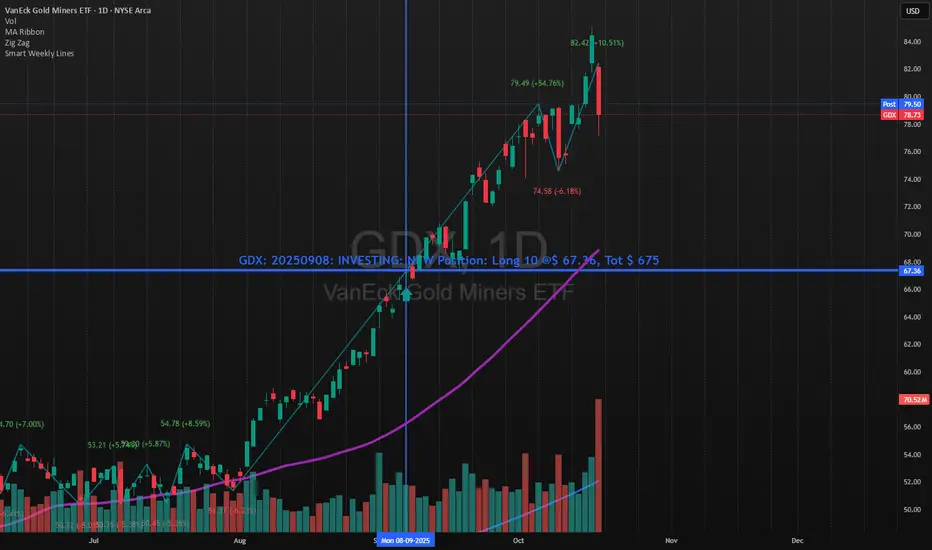
Smart Weekly Lines — Clean & Scroll-Proof (Pine v6)Because your chart deserves structure. Elegant weekly dividers that stay aligned, scroll smoothly, and project future weeks using your wished UTC offset.
Smart Weekly Lines draws precise, full-height vertical lines marking each new week — perfectly aligned to your local UTC offset. It stays clean, smooth, and consistent no matter how far you scroll.
Features
• Accurate weekly boundaries based on your local UTC offset (supports half-hour zones like India +5.5)
• Clean, full-height lines that never cut off with zoom or scroll
• Adjustable color, opacity, width, and style (solid, dashed, dotted)
• Future week projection for planning and alignment
• Optional visibility: show only on Daily and Intraday charts
Works with any market — stocks, crypto, forex, or futures.
Built for traders who value clarity, structure, and precision.
Developed collaboratively with the assistance of ChatGPT under my direction and testing.
HTF Vertical LinesShow selected high time frame divider in your current time frame.
Not a magic, just a helper script myself use, if any suggestion/feature you want to add(but I won't promise I will add), don't hesitate to message me.

Daily Session DividerThis script draws vertical lines showing the new daily sessions. These will only be displayed when it's on an intraday timeframe (lower than daily timeframe).
Settings:
Line Color: Choose the color you want and change the opacity
Line Width: If you want a thicc line. Defaults to 1 (recommended setting)
Line Style: Choose between solid (default), dashed, or dotted

Sessions (Nephew_Sam_)Indicator combines the 3;
1. 3 Sessions - with an option to set your own times
2. 4 Killzones- with an option to set your own times
3. Daily Dividers
If you dont want any of the the above or want to decrease your killzones, just uncheck the relevant checkbox under settings - inputs/colors.
Note: Most of this code it taken from other open source scripts, therefore I will leave this as an open source code too.
